
User Guide: How to Transfer USDT from WEEX Wallet to Yolo247 Gaming Platform?

 Prefer us on Google


Stablecoins are playing a big role in the growth of digital finance, and USDT (Tether) is leading the way. Known for its speed and steady value, it has become a go-to option for everyday payments. Today, many crypto users aren’t just trading anymore—they want simpler ways to move their funds across platforms. That’s where Weex Wallet has built its name, offering a secure and dependable option for managing and transferring USDT.
With strong security measures in place and support for multiple networks, Weex makes it simple to buy, store, or transfer USDT. Users can top up their wallets in different ways—whether that’s through fiat purchases, on-chain deposits, or by bringing in funds from other exchanges—giving them real flexibility in how they manage their money.
A growing number of people are also turning to USDT for entertainment. Online platforms, such as Yolo247.io, now accept stablecoin deposits, giving players a fast and straightforward way to add funds to their accounts without the hassle of traditional payments.
Step-by-Step Guide to Transfer USDT from WEEX Wallet to Yolo247
Transferring USDT from Weex Wallet to Yolo247 is simple. Follow the steps to understand the transfer methods.
- Log in to WEEX Wallet
➢ Visit Weex.com and sign in with your registered email and password.
➢ If you’re new, sign up, verify your identity, and enable two-factor authentication.
- Ensure USDT Balance in WEEX Wallet
➢ On-chain transfer – Copy your unique Weex deposit address and send funds from another wallet.
➢ Buy directly – Purchase USDT using fiat gateways or available trading pairs.
➢ Transfer from exchanges – Withdraw USDT from centralized or decentralized exchanges into Weex.
- Log in to Yolo247 Account
➢ Go to Yolo247.io and log in.
➢ For new users, create an account by providing: Username, password, and One-time password (OTP).
- Generate Deposit Address on Yolo247
➢ Open the Deposit section in your Yolo247 dashboard.
➢ Select USDT as your payment option.
➢ Enter your preferred transfer amount.
➢ Copy the unique deposit address generated.
- Initiate Transfer from Weex Wallet
➢ Open the Withdraw section in Weex Wallet.
➢ Select USDT as your asset.
➢ Paste the copied Yolo247 deposit address.
➢ Enter the transfer amount and confirm.
- Confirm Transaction on Yolo247
➢ After the transfer, wait for the blockchain to confirm the transaction.
➢ The USDT will appear in your Yolo247 wallet balance within a few minutes.
Transferring USDT to Yolo247 through the Weex wallet is simple and secure. You can complete the process by ensuring your wallet is funded, generating a deposit address on Yolo247, and confirming the withdrawal from Weex. Always double-check network and wallet addresses to avoid errors.
FAQs
Which networks are supported for transfers?
You can use TRC20, ERC20, and BEP20. Just remember, the network you select while sending from Weex has to match the one you pick on Yolo247.
How long does the transfer take?
Most USDT transfers are completed within 2–5 minutes depending on blockchain traffic.
Are there any fees for transferring?
Yes, network transaction fees apply when withdrawing USDT from Weex. The exact fee depends on the chosen network.
Can I cancel a transfer once initiated?
No. You cannot cancel the transfer once initiated.
What if I enter the wrong details by mistake?
If the network or the address is wrong, the transfer won’t come to you and sadly, there isn’t a way to pull it back. Best tip—always review everything twice before clicking send.
-- Price
This content is provided for general informational purposes only and doesn't constitute financial, investment, legal, or tax advice. Any events, rewards, online promotions, or related information mentioned herein should not be considered a recommendation, solicitation, or invitation to purchase, sell, trade, or otherwise deal in any crypto assets. Crypto assets are highly volatile and may result in loss. The availability of WEEX services, products, and related events may vary by region. You are responsible for ensuring that your participation is in accordance with applicable local laws and regulations.
You may also like

What Is United States Dividend Fund (USDF)? October Launch Claims and Token Identity Checks
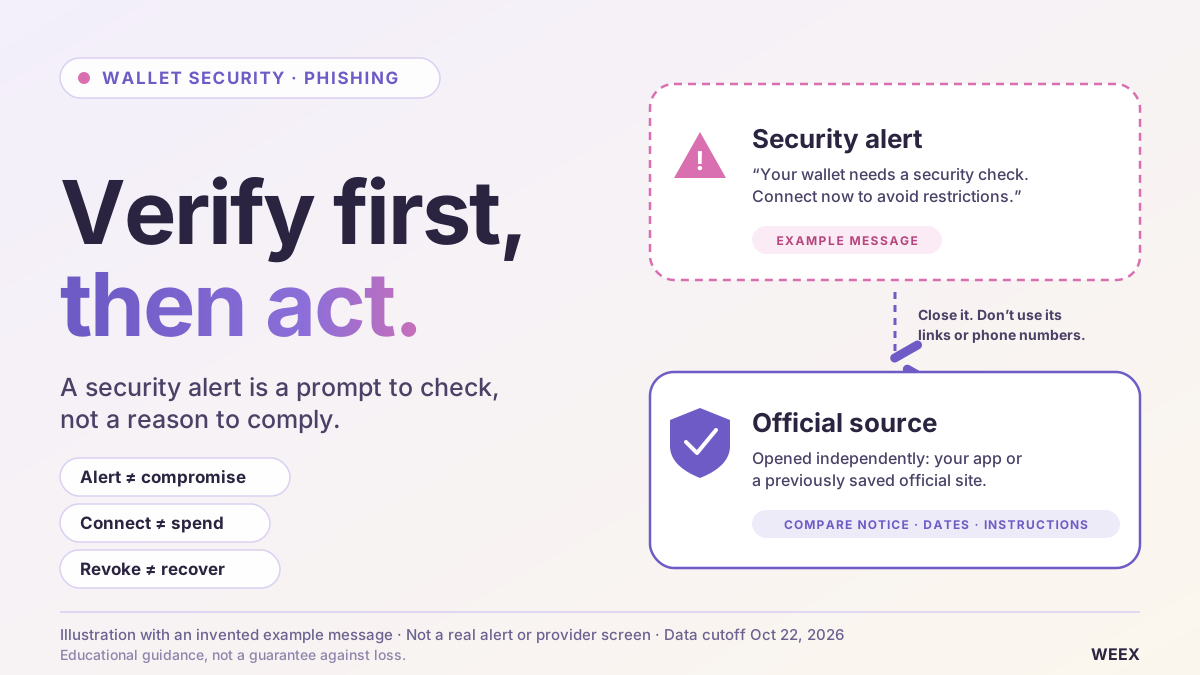
Is Your Crypto Wallet Safe? How to Verify Security Alerts and Spot Phishing
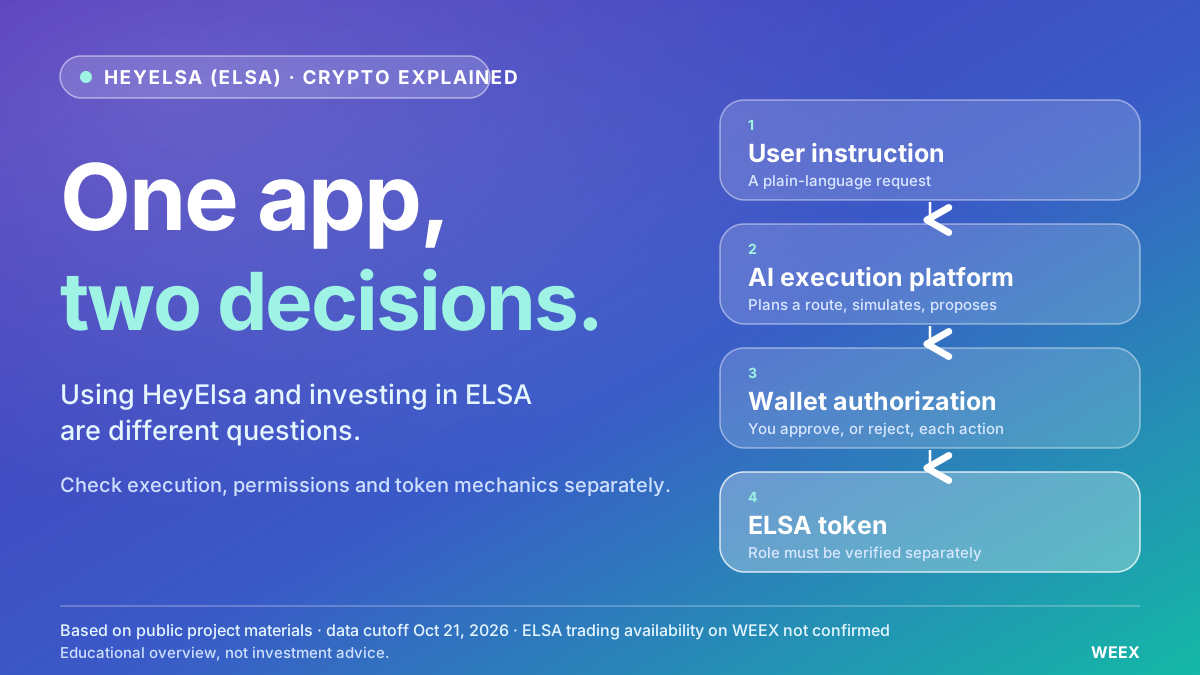
What Is HeyElsa (ELSA) Crypto and How Does It Work?
Best Crypto Leverage Trading Platform: Things to Compare Before You Choose an Exchange
Is RSI a Good Indicator? How the Relative Strength Index Works, Its Limits and How Traders Use It
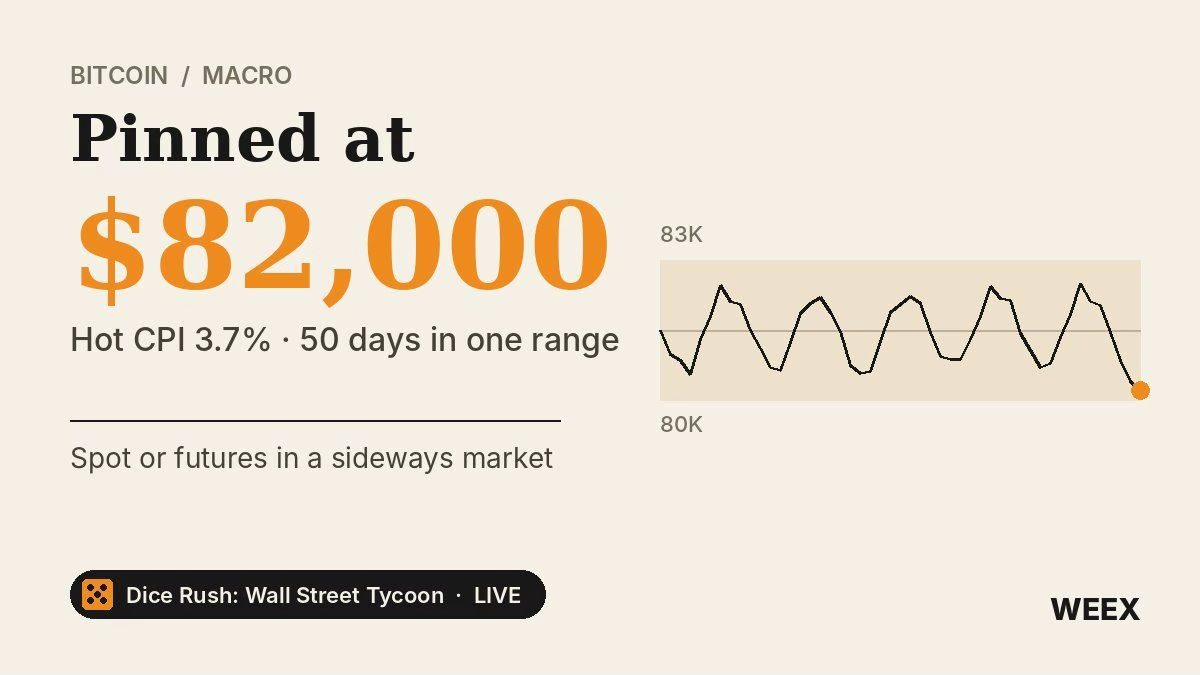
Bitcoin Price After Hot CPI: Why BTC Is Pinned Near $82,000
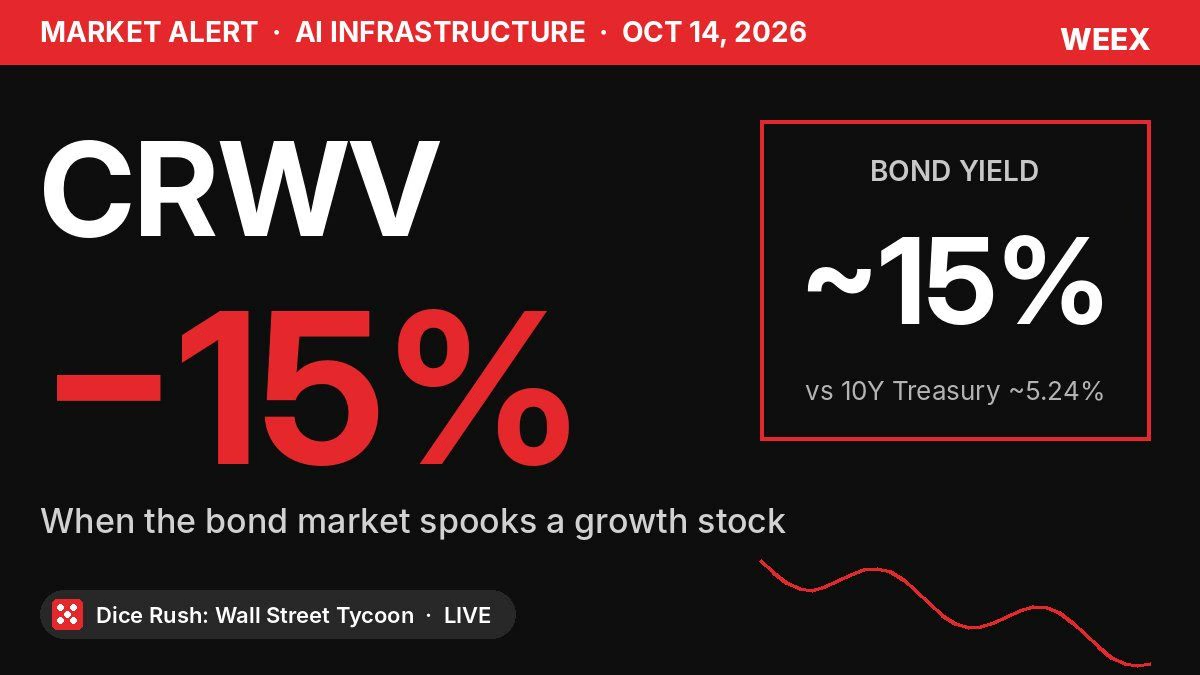
CoreWeave Stock Plunges 15%: Why a Bond Yield Spooked CRWV
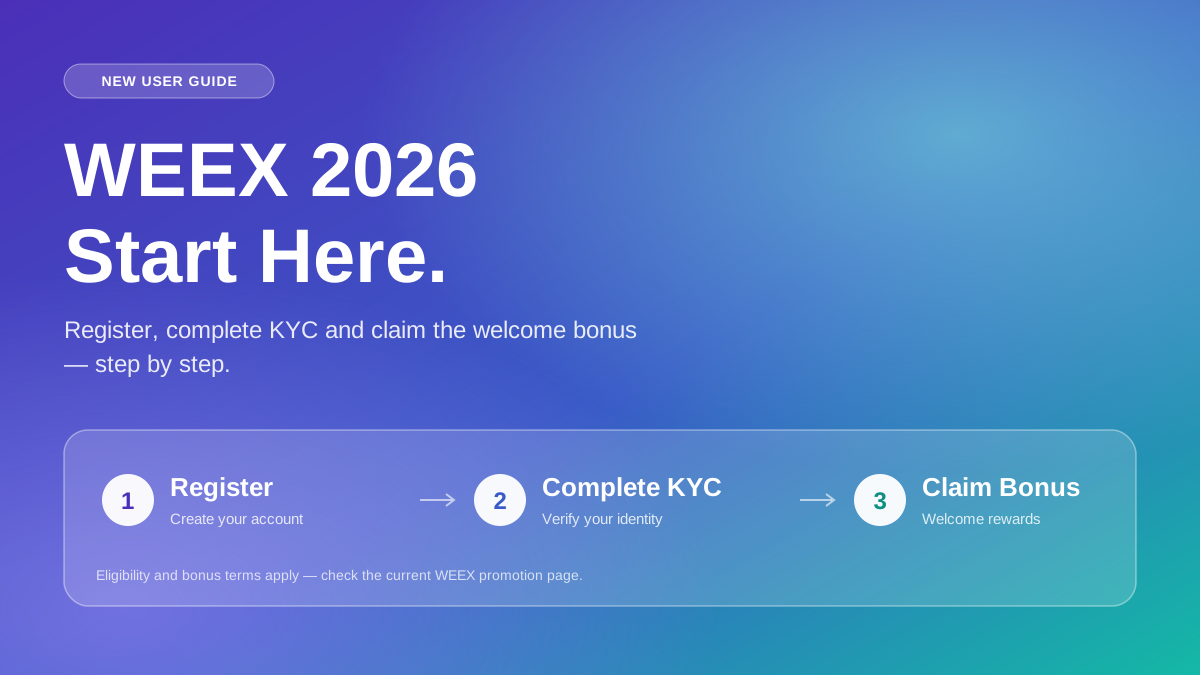
WEEX 2026 New User Guide: Register, Complete KYC, and Claim the Welcome Bonus (Step-by-Step)
WEEX Convert Guide: How to Swap Crypto on Web and App and What the Quote Really Means
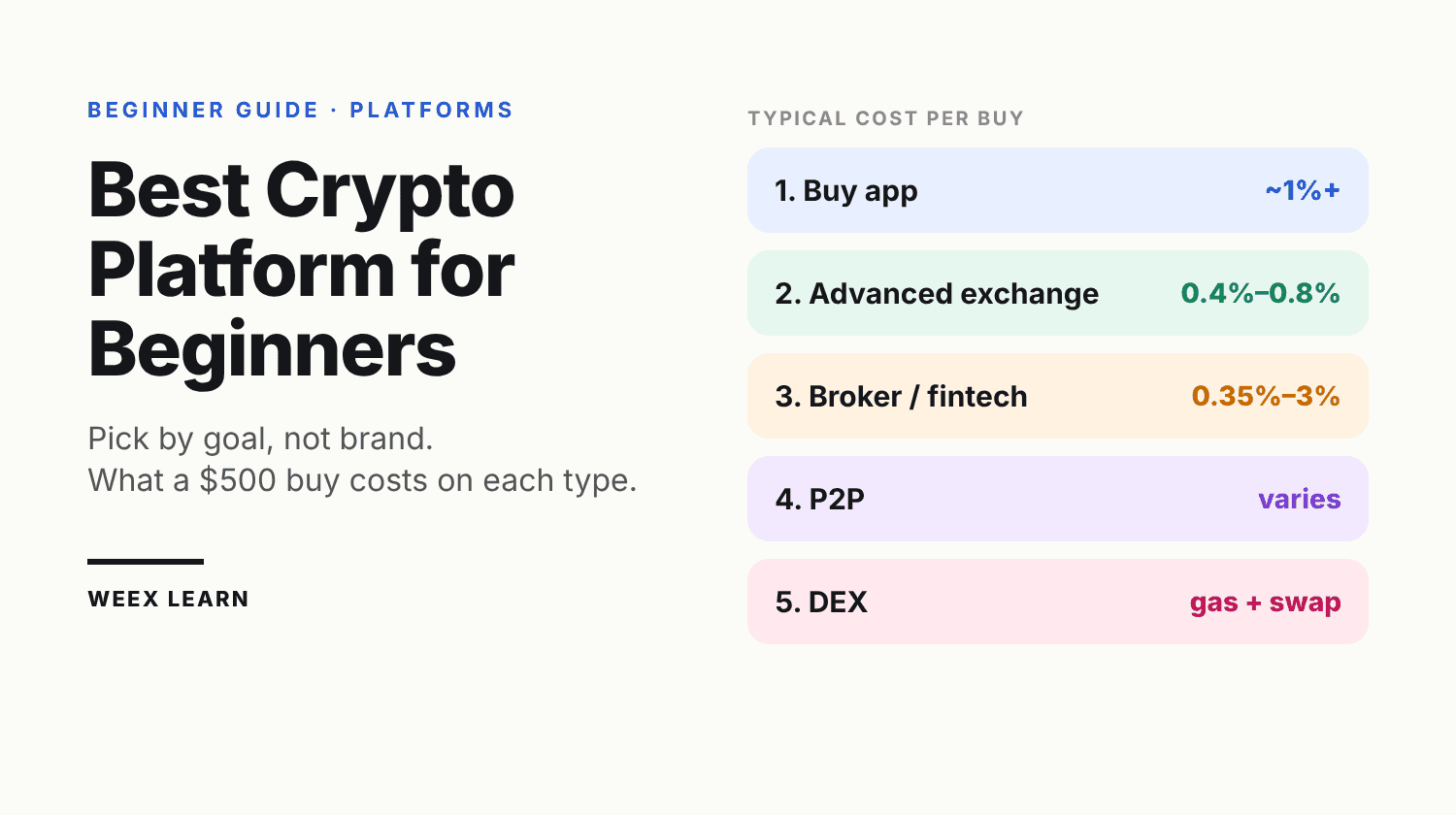
Best Crypto Platform for Beginners: Pick by Goal, Not Brand
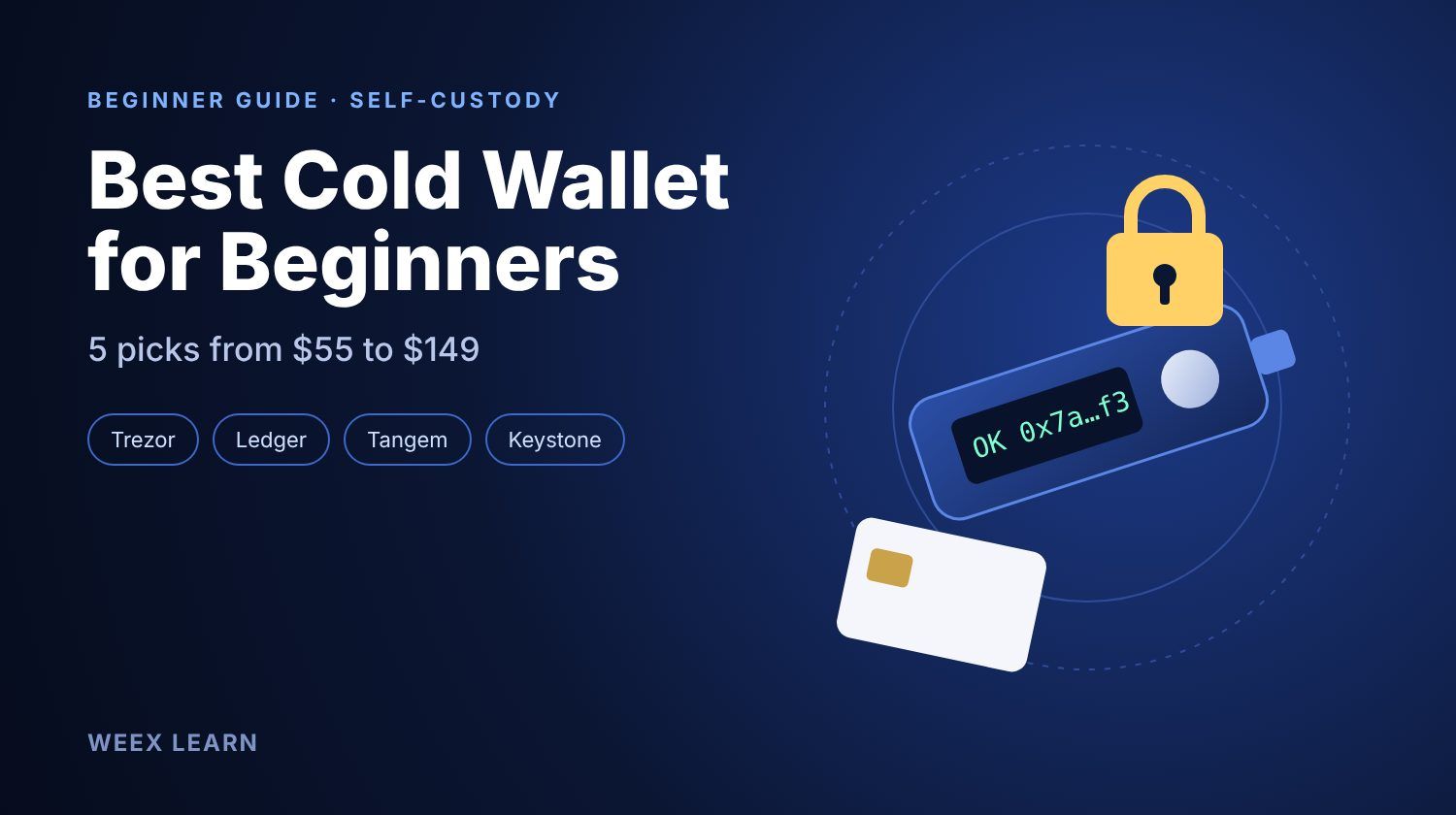
Best Cold Wallet Crypto for Beginners: 5 Picks Under $150
Best Crypto Broker for Beginners: What to Check in Fees, Regulation, Security and Support Before You Deposit
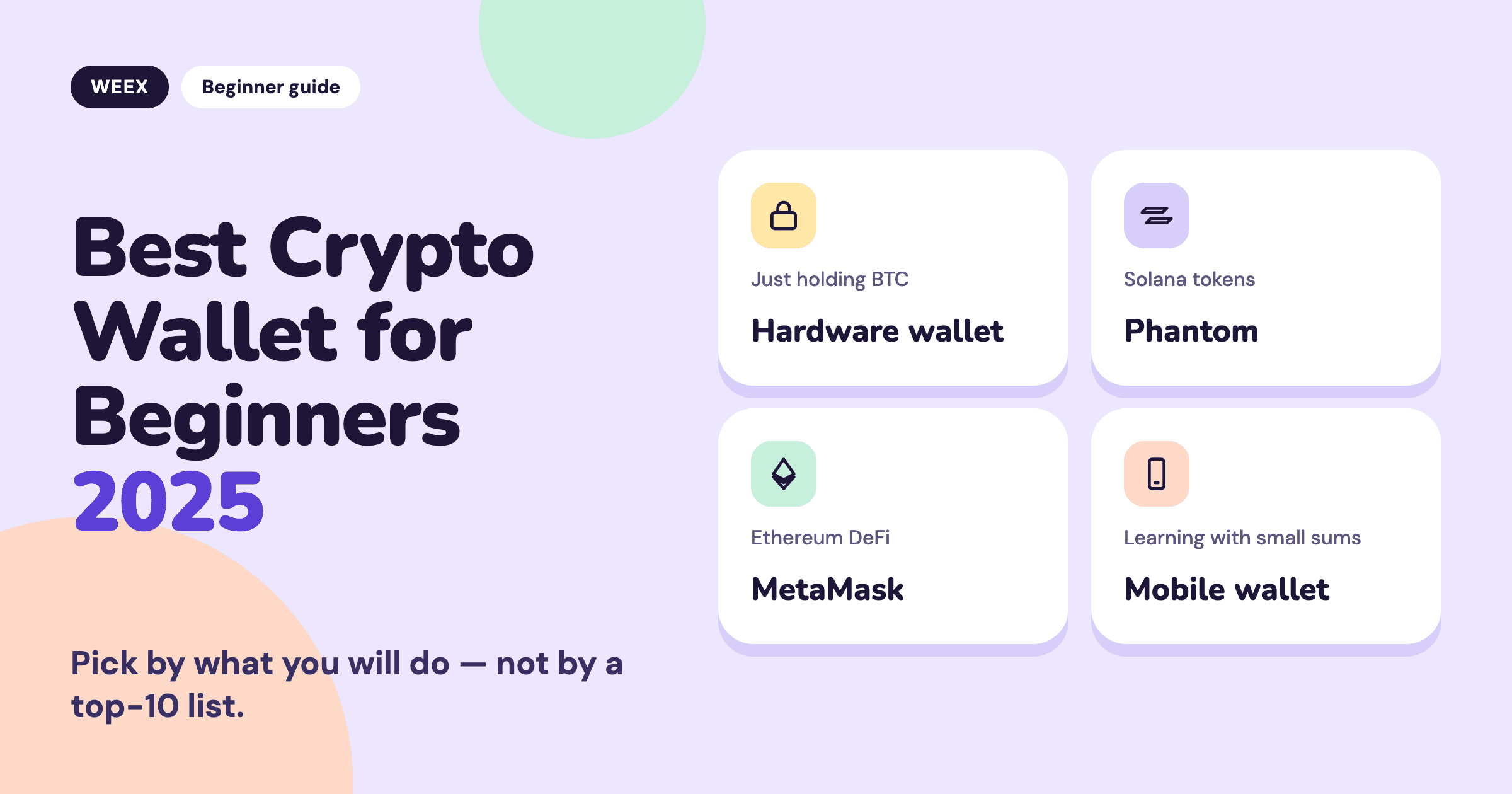
Best Crypto Wallet for Beginners 2025: Pick by What You Will Do
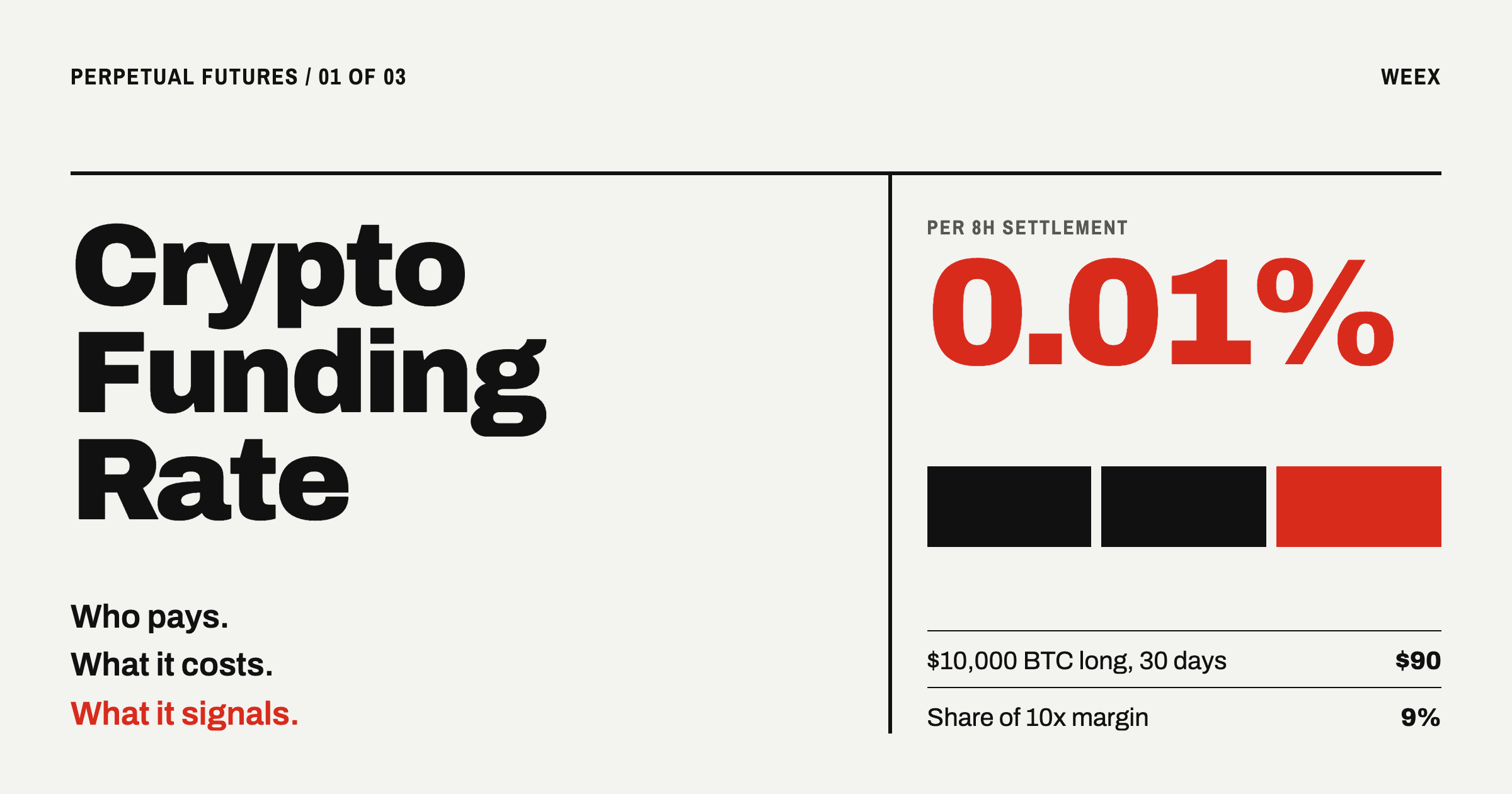
Crypto Funding Rate: Who Pays, What It Costs, What It Signals

How to Use an APR Boost on WEEX Auto Earn Without Wasting It
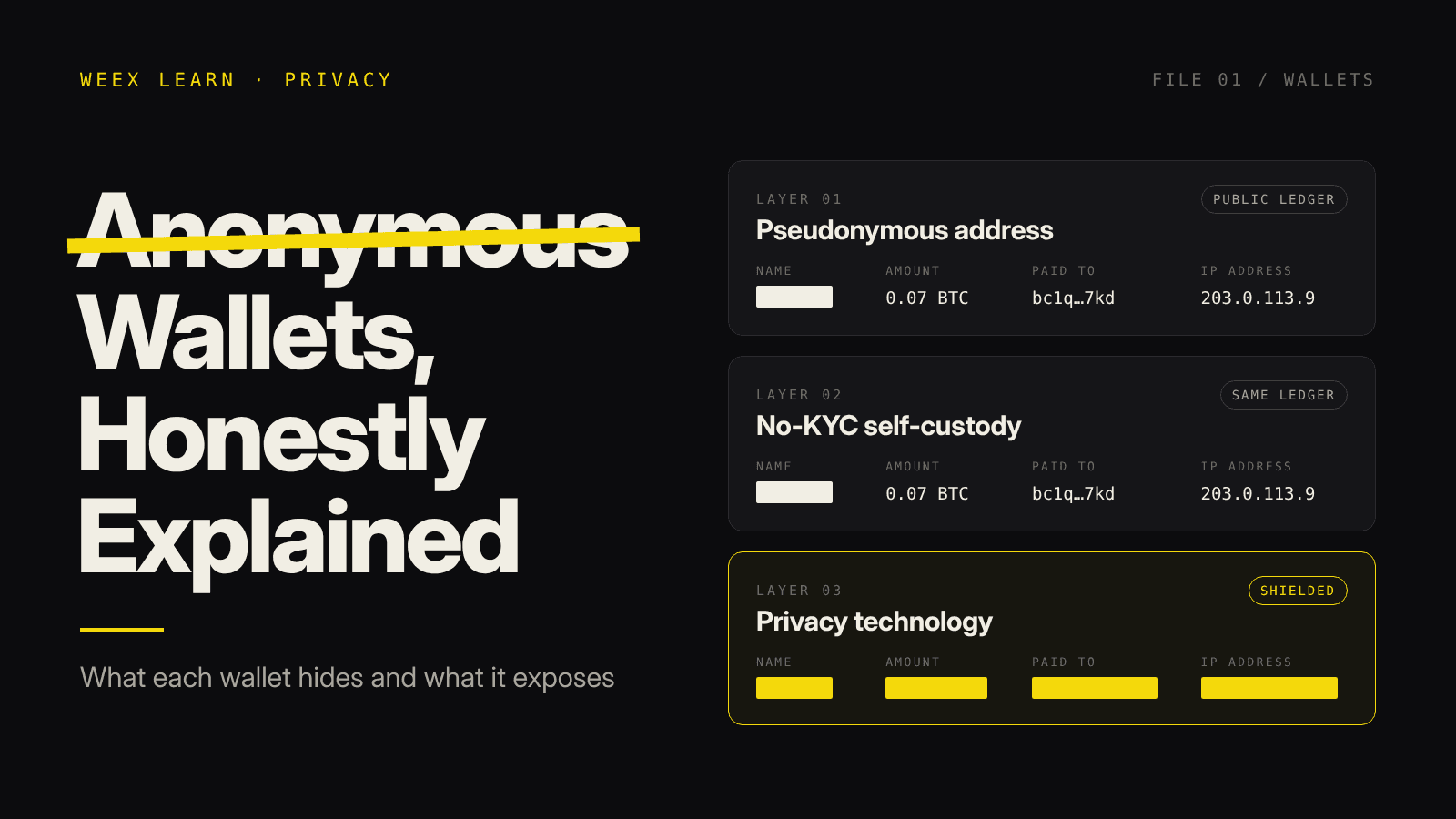
Anonymous Crypto Wallet: What Each One Hides and Where It Fails
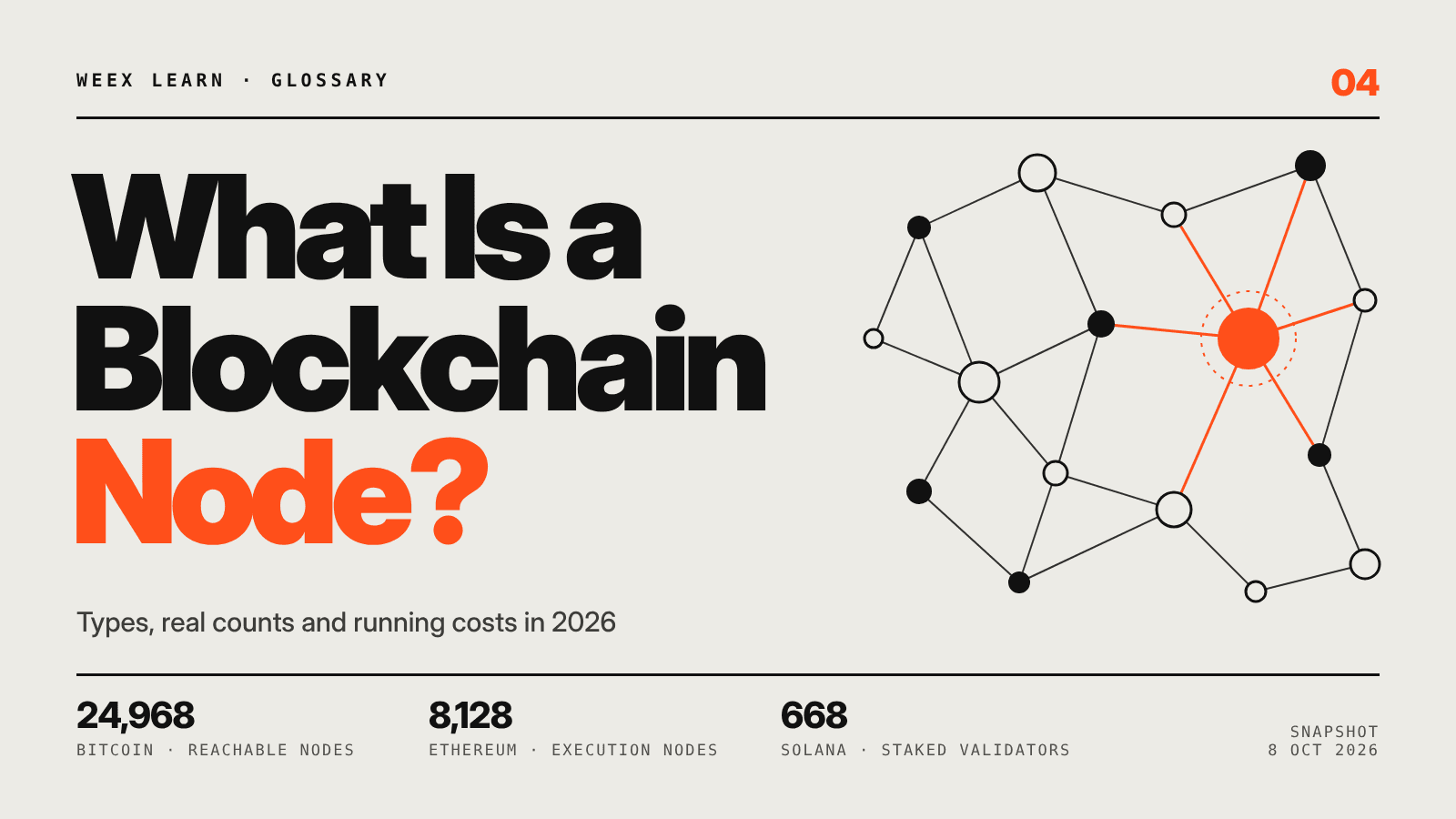
What Is a Blockchain Node? Types, 2026 Counts, and Real Costs
Taiwan Stock Market Nears 50,000: Can the TAIEX Break the Milestone After the Holiday?
How to Buy USDT in Thailand: Payment Methods, Fees and Transfer Checks

WEEX Broker Models: Strategy Bots, Copy Trading and Sub-Exchanges
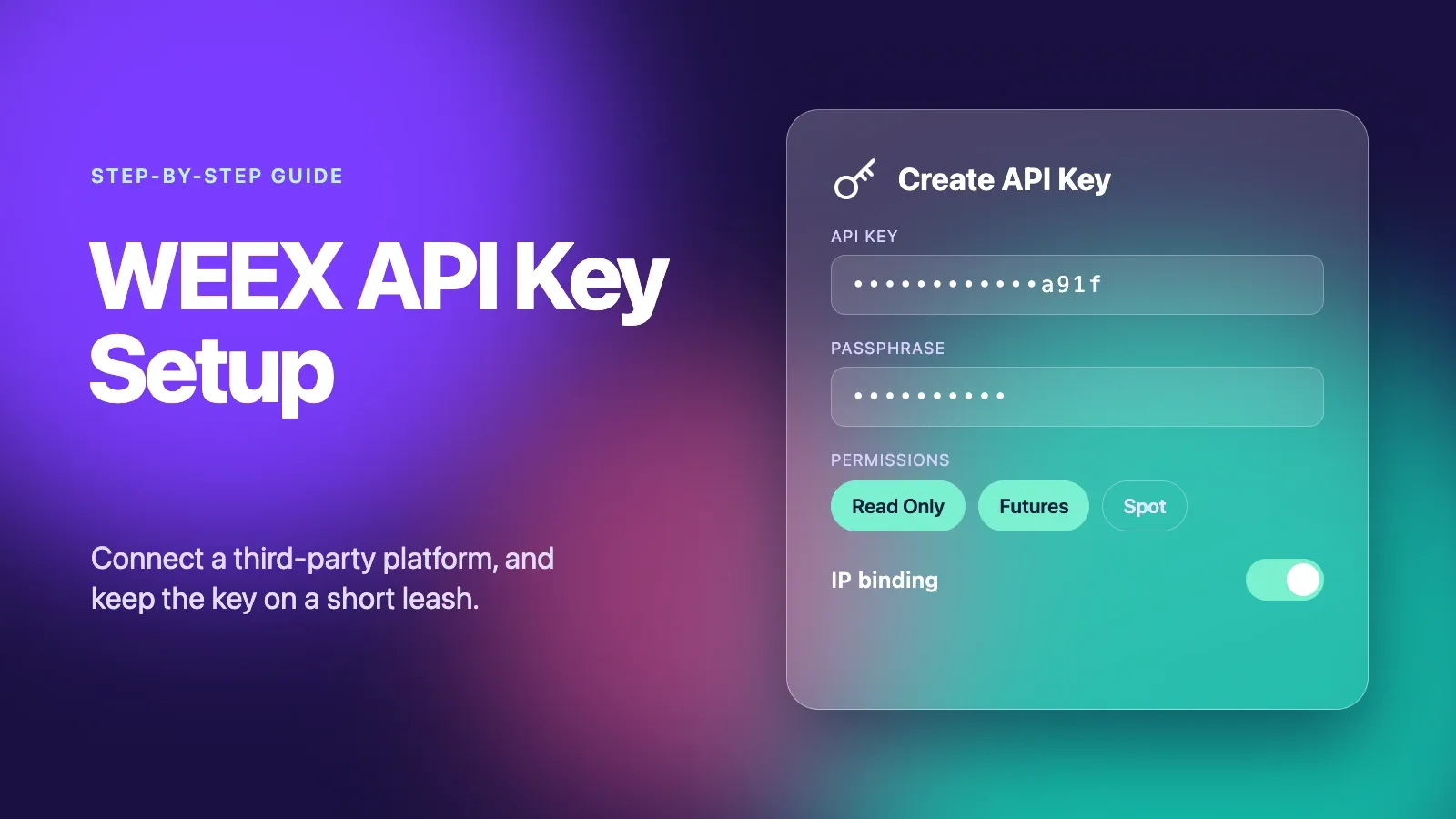
WEEX API Key Setup: How to Connect a Third-Party Platform Safely
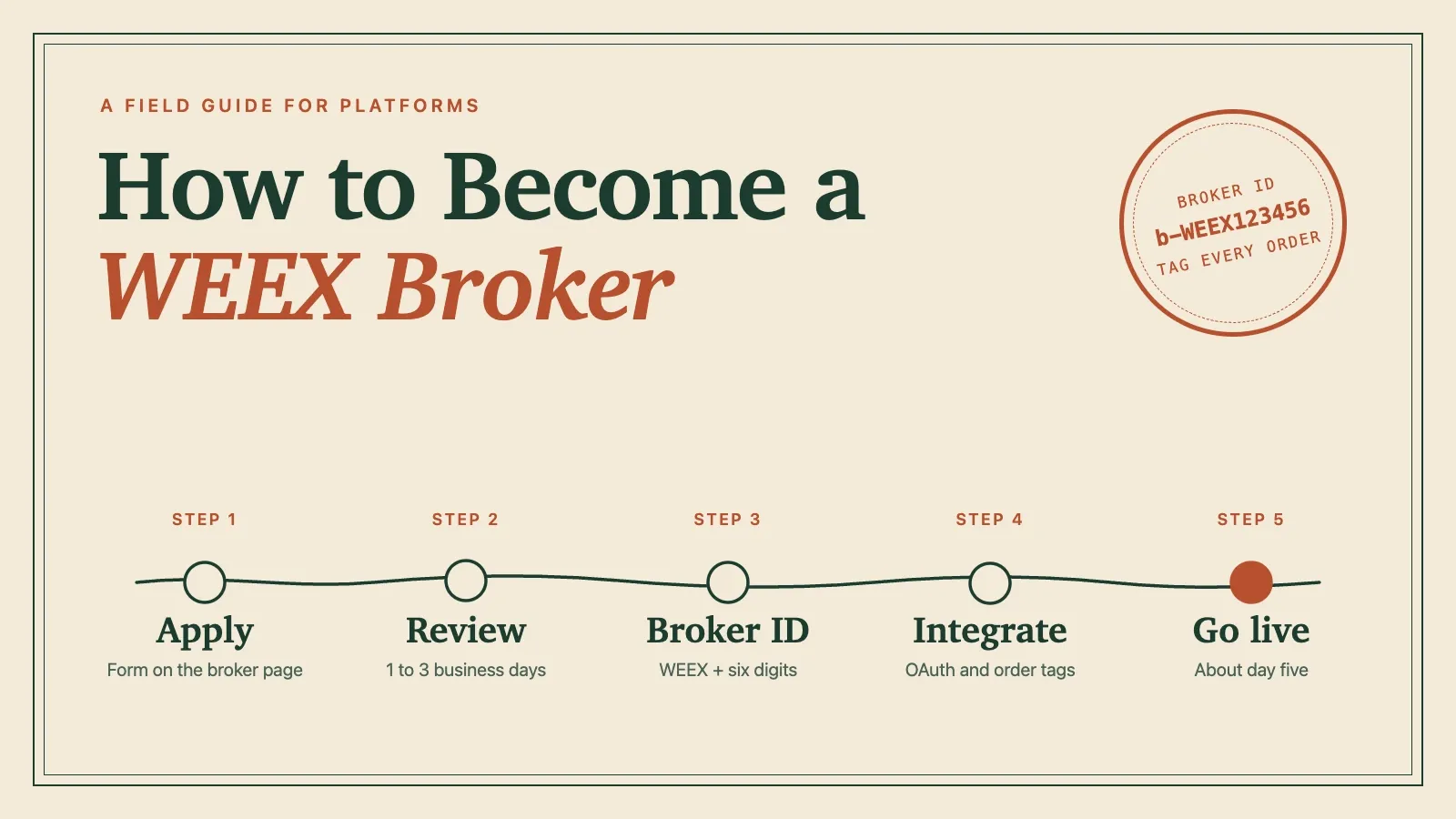
How to Become a WEEX Broker: Application, API Setup and Go-Live
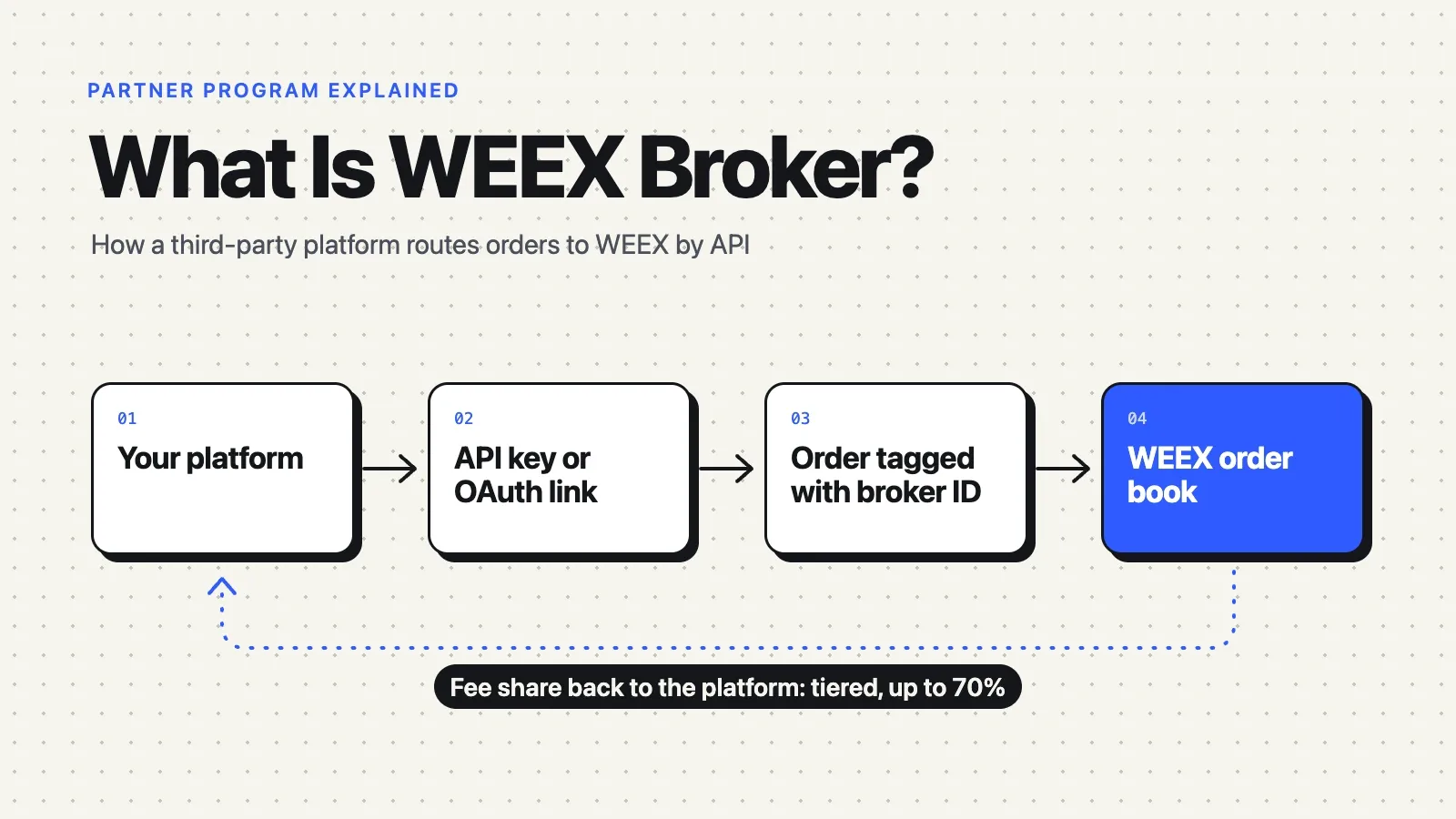
What Is WEEX Broker? API Program, Commissions and How It Works
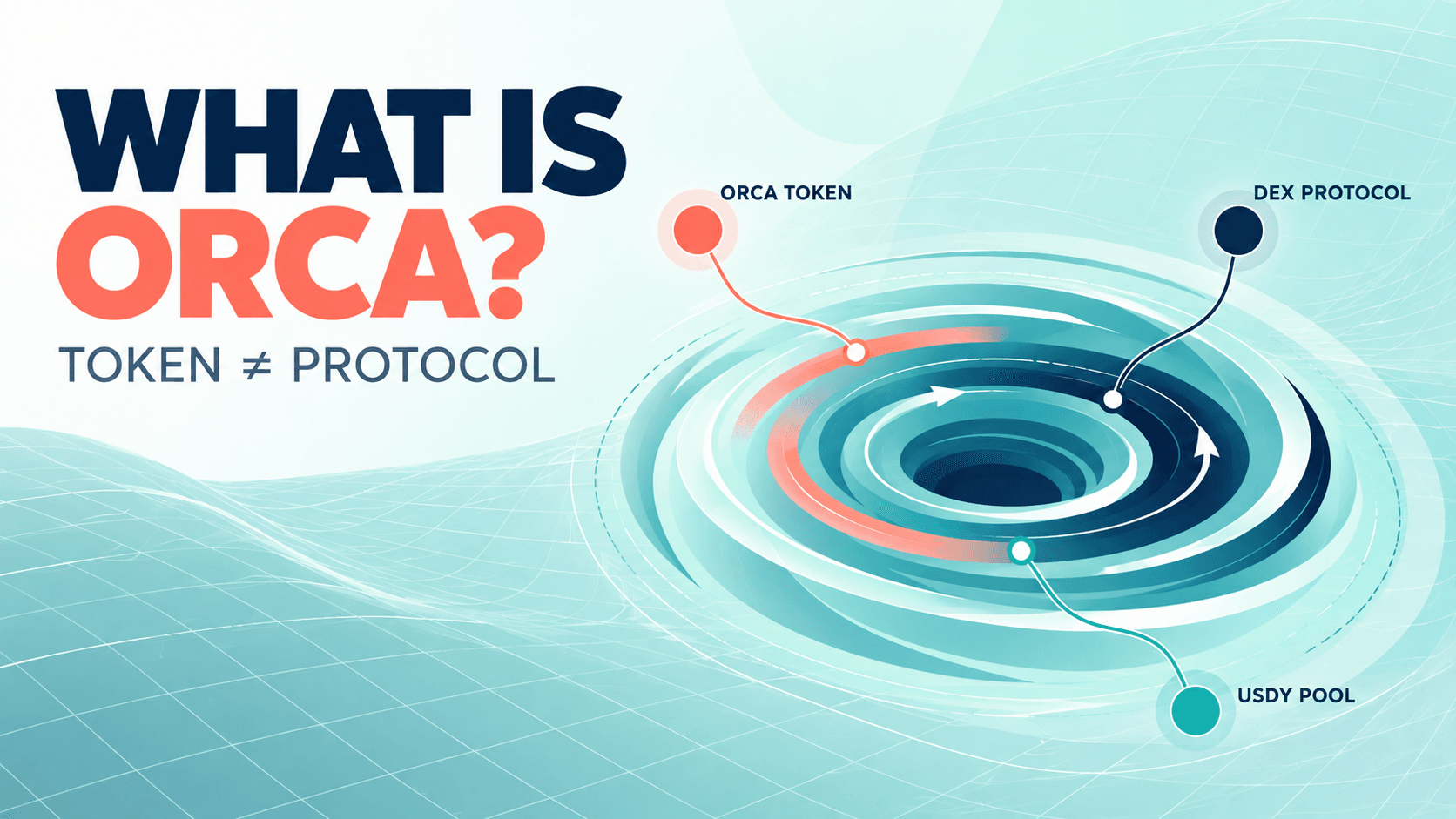
What Is Orca (ORCA) Crypto? The Solana DEX, USDY Liquidity, and the ORCA Name Confusion
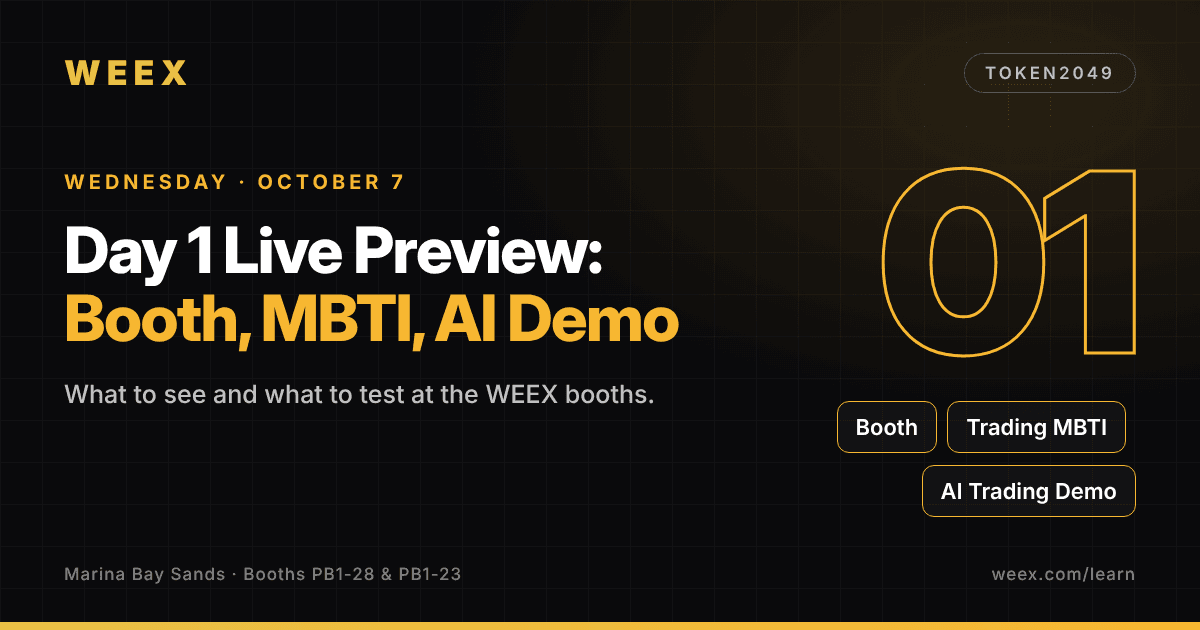
WEEX TOKEN2049 Day 1 Live Preview: Booth, MBTI and AI Demo
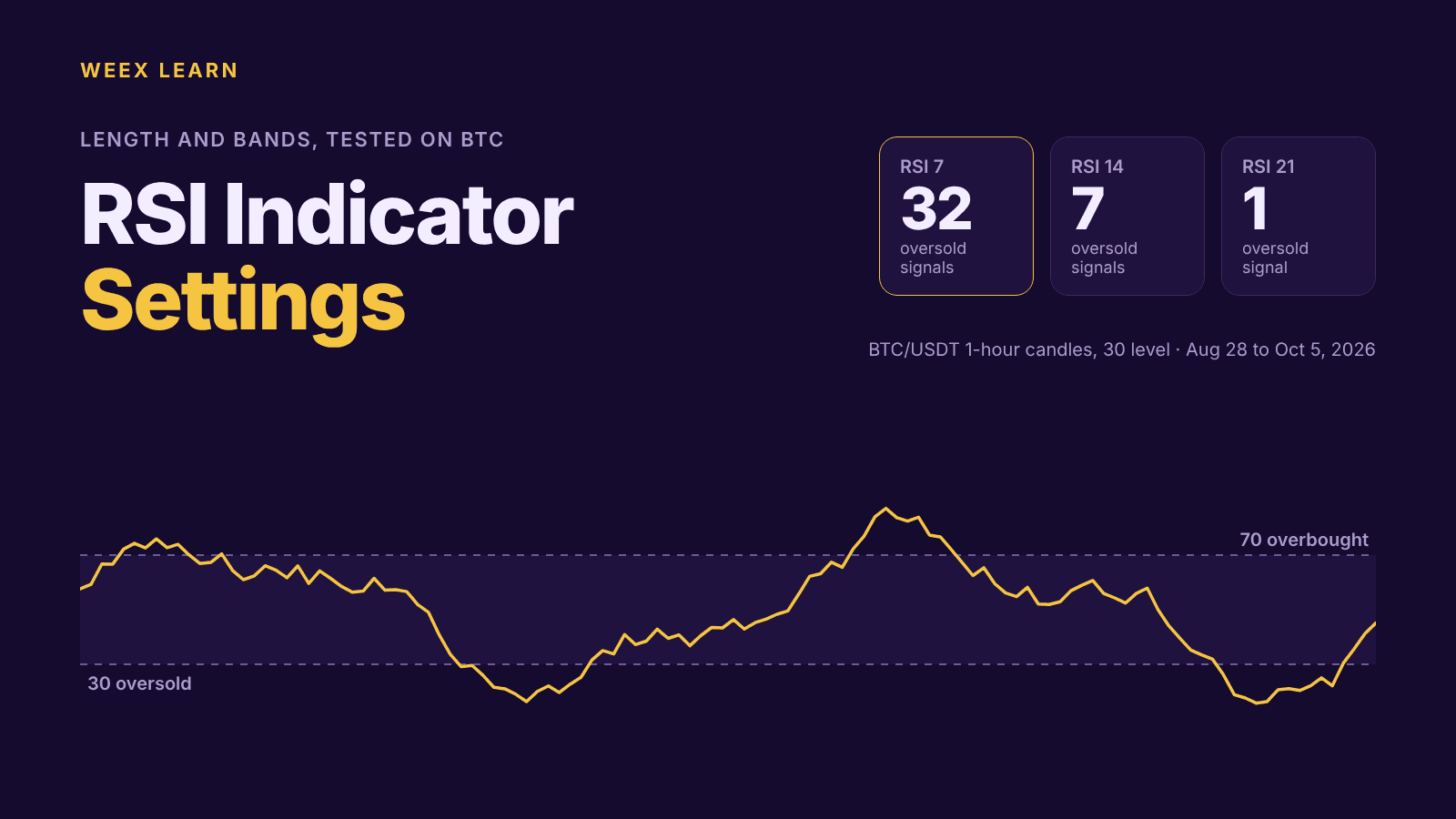
RSI Indicator Settings: What 7, 9, 14 and 21 Did on BTC Charts
Best Crypto Apps for Beginners: The Five Features That Actually Matter on Your Phone
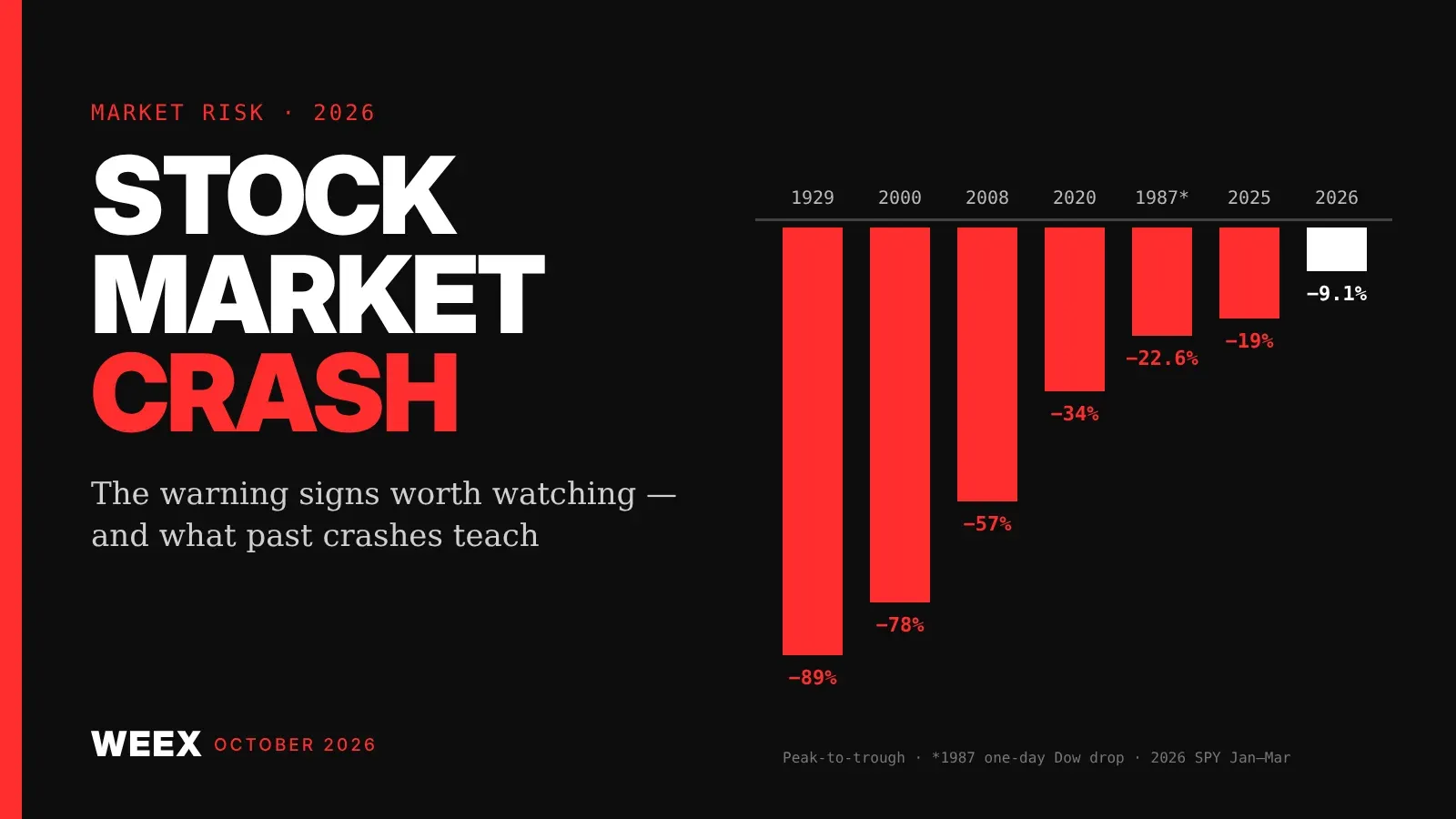
Stock Market Crash Risk in 2026: The Warning Signs Worth Watching
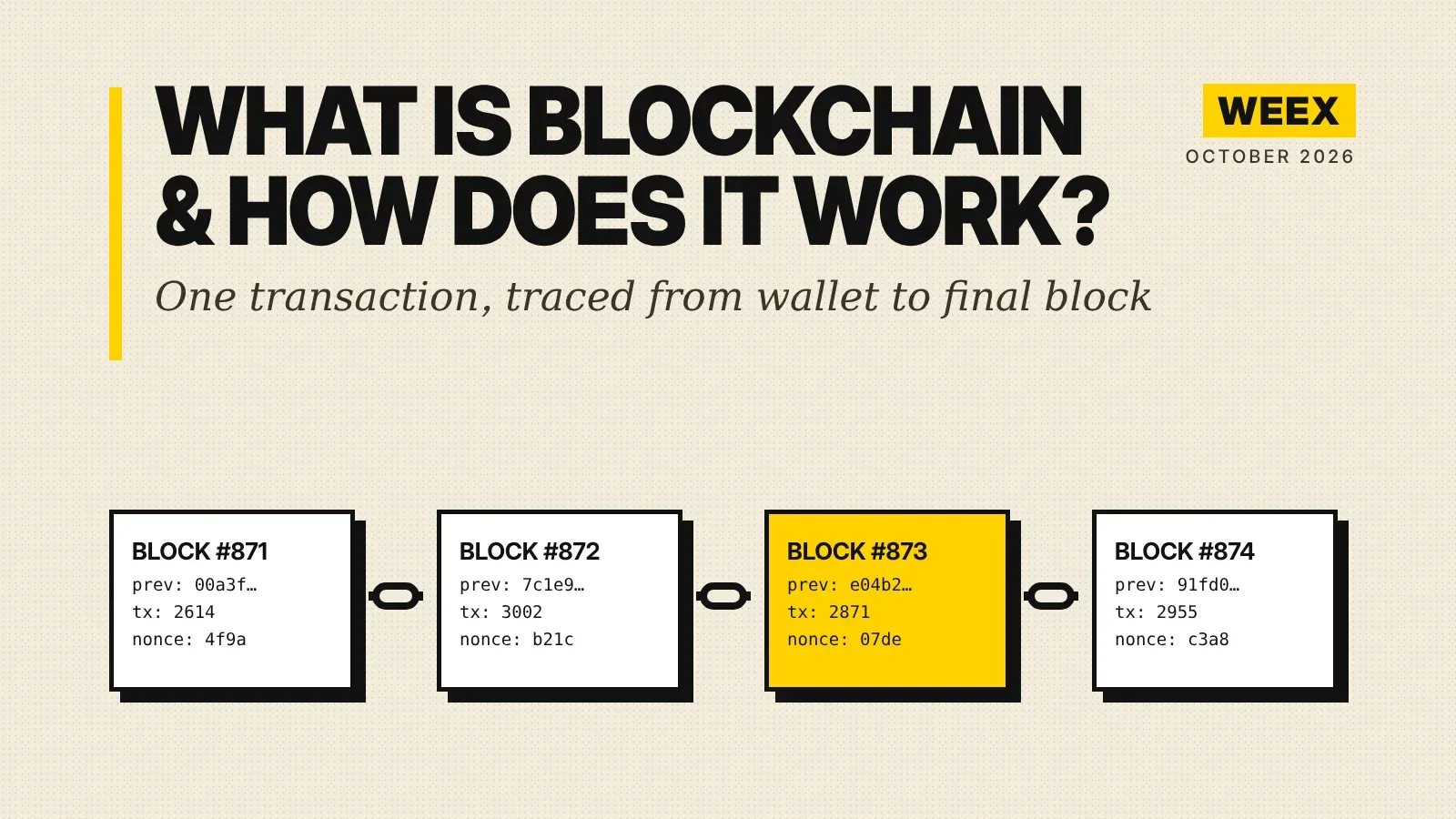
What Is Blockchain and How Does It Work? A Transaction Traced
How to Buy Crypto with PayPal: The Custody Catch Most Beginners Miss
What Is United States Dividend Fund (USDF)? October Launch Claims and Token Identity Checks
Is Your Crypto Wallet Safe? How to Verify Security Alerts and Spot Phishing
What Is HeyElsa (ELSA) Crypto and How Does It Work?
Best Crypto Leverage Trading Platform: Things to Compare Before You Choose an Exchange
Is RSI a Good Indicator? How the Relative Strength Index Works, Its Limits and How Traders Use It
Bitcoin Price After Hot CPI: Why BTC Is Pinned Near $82,000


