
WEEX API Key Setup: Permissions, IP Binding and Key Limits

 Prefer us on Google


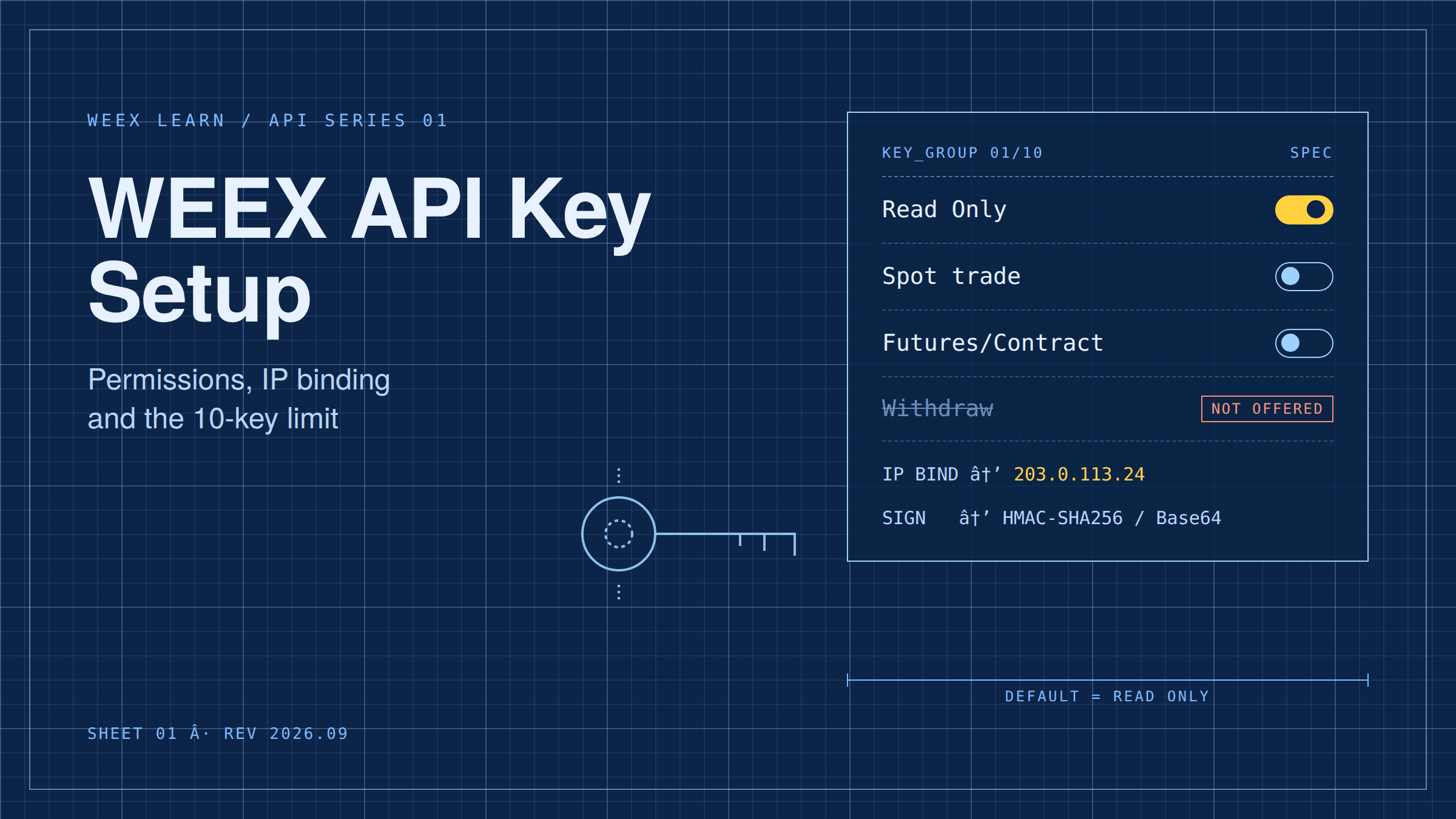
Creating a WEEX API key takes about two minutes, and the decisions you make on that screen decide what a stolen key could do to your account later. Every new key starts as Read Only. You add a Spot or a Futures/Contract trade scope only if a program needs to place orders, you can bind the key to specific IP addresses, and you can hold at most 10 API key groups per account. There is no withdrawal scope at all. This guide walks through the setup, explains what each of the three credentials does, shows which permission combination fits which use case, and covers the small operational details that trip people up, like the unrecoverable passphrase and the short delay before a new key starts working.
What a WEEX API key actually consists of
WEEX issues three separate strings when you create a key, and each has a distinct job. Mixing them up is the most common reason a first request fails with an authentication error.
- APIKey: the public identifier. It goes in the
ACCESS-KEYheader on every request. Anyone who sees it learns nothing useful on its own. - SecretKey: the private signing key. It never travels in a request. Your code uses it to compute an HMAC SHA256 signature over the timestamp, HTTP method, request path, and body, then Base64-encodes the result into the
ACCESS-SIGNheader. - Passphrase: a string you choose when creating the key. It is sent in the
ACCESS-PASSPHRASEheader on private endpoints. WEEX states plainly in its API documentation that a lost passphrase cannot be recovered; the only fix is a new key.
The practical consequence: the SecretKey and Passphrase are shown once. Copy both into your secret manager before you close the tab. If you lose either, delete the key group and start over rather than trying to guess.
How to create a WEEX API key step by step
The flow is the same for spot and futures use. What differs is the trade scope you tick.
- Log in on web and open API Management under your account menu (the page path is
/account/newapi). You will be asked for your normal 2FA. - Name the key after the program that will use it, such as
grid-bot-vps-aorportfolio-tracker. Names matter once you are managing several keys. - Set a passphrase. Store it immediately.
- Leave the permission at Read Only unless this specific program has to place or cancel orders. If it does, enable exactly one trade scope: Spot for spot markets, or Futures/Contract for perpetuals. Do not enable both "just in case".
- Bind the key to the IP address or addresses of the machine that will call the API. WEEX's documentation is direct on this point: a key with no IP binding "poses security risks".
- Complete 2FA to confirm. Copy the APIKey and SecretKey.
- Wait before testing. WEEX's own API guide on the Learn section notes that a newly created or modified key can take roughly 15 minutes to propagate globally, so an immediate
401is not necessarily a bug in your code.
A useful first test is an unauthenticated public call, then a signed read-only call such as an account balance query. Only after both succeed should you try a trade endpoint.
Which WEEX API permissions to enable for each use case
The permission model is deliberately small, which makes it easy to reason about. There are two independent scopes on top of the read default, and there is nothing else.
Read Only is enough for more programs than people assume. A portfolio tracker, a tax-reporting export, a Telegram alert on fills, a dashboard of open positions, a funding-rate monitor: none of these needs to place an order. Keep them read-only. If that key leaks, the attacker can see your balances and history, which is unpleasant, but cannot move anything.
Spot trade scope is for programs that buy and sell on spot pairs: DCA scripts, spot grid bots, rebalancers. It does not grant futures access.
Futures/Contract trade scope is for perpetual-futures automation: trend followers, funding-rate hedges, liquidation-protection scripts that close positions. It does not grant spot access. Because leverage multiplies the damage a misbehaving program can do, this is the scope to protect most carefully, and the one that most justifies IP binding.
What is not available is withdrawal. Unlike several exchanges that expose a withdrawal scope you must remember to leave unchecked, WEEX's API documentation for both spot and futures lists only Read and Trade permission types. Moving funds off the exchange still requires the web or app flow with its own 2FA and address controls. That boundary is the single most important thing to understand about WEEX API key security: a leaked trade key cannot withdraw. What it can do, and how attackers exploit it anyway, is the subject of the next article in this series.
-- Price
The 10-key cap and how to spend it
WEEX allows up to 10 API key groups per account. That sounds generous until you start treating keys properly, which means one key per program, per machine.
A sensible allocation for an active user looks like this: one read-only key for a tracker, one for tax exports, one Spot key for a DCA bot on a home server, one Futures/Contract key for a strategy on a VPS, one Futures/Contract key for a second strategy on the same VPS, and two or three spares reserved for rotation so you can issue a replacement before revoking the old one. That already uses seven or eight slots.
Two habits keep you within the cap. First, delete keys the moment a program is retired; a forgotten key with trade scope and no IP binding is the classic silent liability. Second, never share one key across two programs to save a slot. If one of them misbehaves or leaks, you will have to revoke the key for both, and you will not be able to tell from order history which one placed a given trade.
Signing, timestamps, and the errors that look like permission problems
Several failures that new integrators blame on permissions are actually signing or clock issues. Knowing the rules saves an afternoon.
The signature message is the concatenation of the millisecond timestamp, the uppercase HTTP method, the request path, the query string if any (with its leading ?), and the JSON body if any. That string is signed with HMAC SHA256 using the SecretKey and Base64-encoded. WEEX's spot documentation gives the example 1591089508404GET/api/v3/market/depth?symbol=BTCUSDT&limit=20 for a depth call.
Timestamps are checked. WEEX rejects any request whose ACCESS-TIMESTAMP deviates by more than 30 seconds from the server clock. A VPS with drifting time will produce intermittent authentication failures that look random. Run NTP, and if you still see rejections, fetch server time from the public endpoint and offset your requests.
Rate limits are separate from permissions but produce equally confusing symptoms. Most REST endpoints are limited per IP using a weight system, order-placement endpoints are limited per account under the ORDERS bucket, and exceeding either returns HTTP 429 followed by a 10-second ban. Read the X-USED-WEIGHT and X-ORDER-COUNT response headers rather than guessing at your budget. A program that hammers the API after a 429 extends its own ban.
What traders usually miss on the setup screen
Three things get overlooked more than any other.
The passphrase is not a password you can reset. People treat it as a convenience field, choose something quick, and lose it when they rebuild a server. WEEX requires it to be alphanumeric, so pick a long random string and store it with the SecretKey.
IP binding is skipped because the home IP changes. The right fix is not to leave the key open; it is to run the program on a VPS or cloud instance with a static address and bind to that. If you must run from a dynamic IP, keep the key read-only and place orders manually.
Trade scope is enabled on a key that only reads. This usually happens because a tutorial for a different exchange told the reader to tick everything. On WEEX the default is Read Only for a reason: start there and add scope only when a request fails for lack of it.
Setting up a WEEX API key the right way, in short
A well-configured WEEX API key is read-only unless a program provably needs to trade, carries exactly one trade scope when it does, is bound to the static IP of the machine that uses it, has a passphrase stored alongside the SecretKey, and occupies one of your 10 slots for exactly one program. Get those five things right on day one and most of the API security advice you will read elsewhere becomes unnecessary. Create your first key as read-only, confirm a signed balance call works, and only then decide whether it needs to place orders.
FAQ
1. Does a WEEX API key allow withdrawals?
No. As of September 2026, WEEX's spot and futures API documentation lists only Read Only and Trade (Spot or Futures/Contract) permissions. Withdrawals require the web or app flow with 2FA.
2. How many API keys can I create on WEEX?
Up to 10 API key groups per account. Each group has its own permissions, passphrase, and optional IP binding.
3. Can one WEEX API key trade both spot and futures?
Spot and Futures/Contract are separate trade scopes. Enable only the one the program needs; a spot bot should not hold futures permission.
4. Why does my new key return an authentication error?
Common causes are propagation delay of up to about 15 minutes after creation, a timestamp more than 30 seconds off server time, a wrong passphrase, or calling from an IP that is not on the key's binding list.
5. What happens if I lose my passphrase?
It cannot be recovered. Delete the key group and create a new one, then update every program that used the old key.
6. Is IP binding mandatory?
It is optional but strongly recommended by WEEX's own documentation. For any key with a trade scope, treat it as mandatory.
Risk Warning
Cryptocurrency spot and futures trading involves substantial risk of loss, including the loss of your entire balance; leveraged futures positions can be liquidated quickly in volatile markets. API access adds operational risks on top of market risk: a misconfigured key, a program bug, a compromised server, or a leaked SecretKey can place unintended orders that cannot be reversed. Keys with trade scope should be IP-bound and monitored, and any program should be tested on demo before it touches live funds. Nothing in this article is investment advice; the platform features described are accurate as of September 2026 and may change.
This content is provided for general informational purposes only and doesn't constitute financial, investment, legal, or tax advice. Any events, rewards, online promotions, or related information mentioned herein should not be considered a recommendation, solicitation, or invitation to purchase, sell, trade, or otherwise deal in any crypto assets. Crypto assets are highly volatile and may result in loss. The availability of WEEX services, products, and related events may vary by region. You are responsible for ensuring that your participation is in accordance with applicable local laws and regulations.
You may also like

What Is United States Dividend Fund (USDF)? October Launch Claims and Token Identity Checks
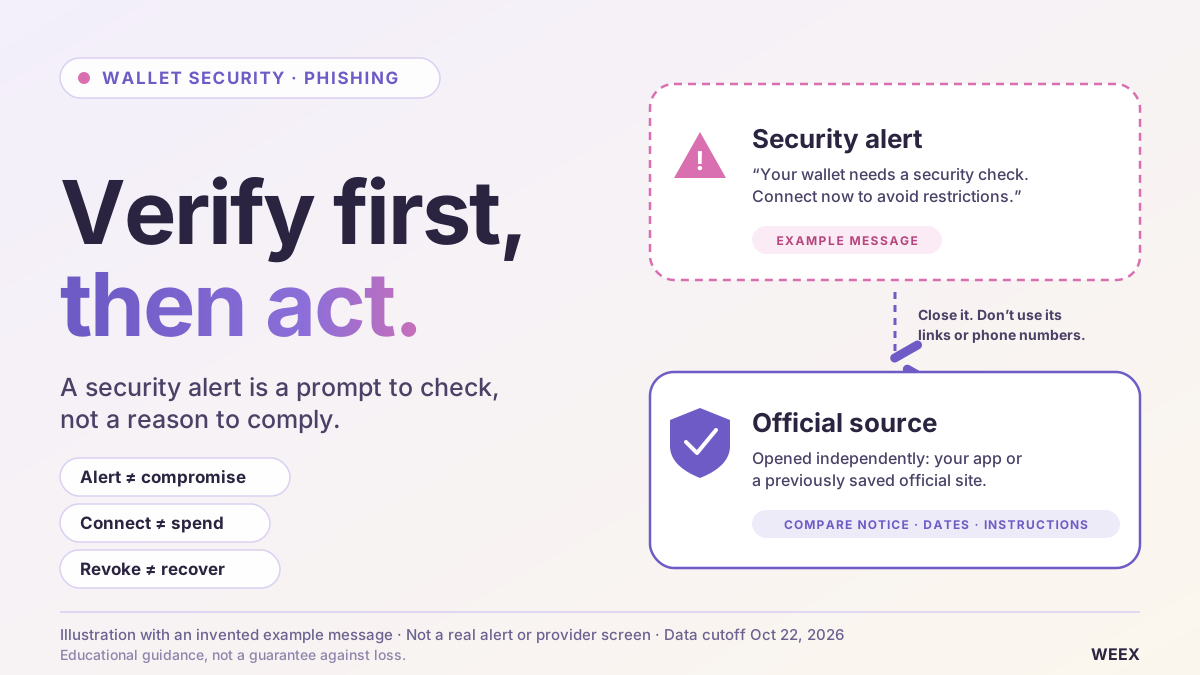
Is Your Crypto Wallet Safe? How to Verify Security Alerts and Spot Phishing
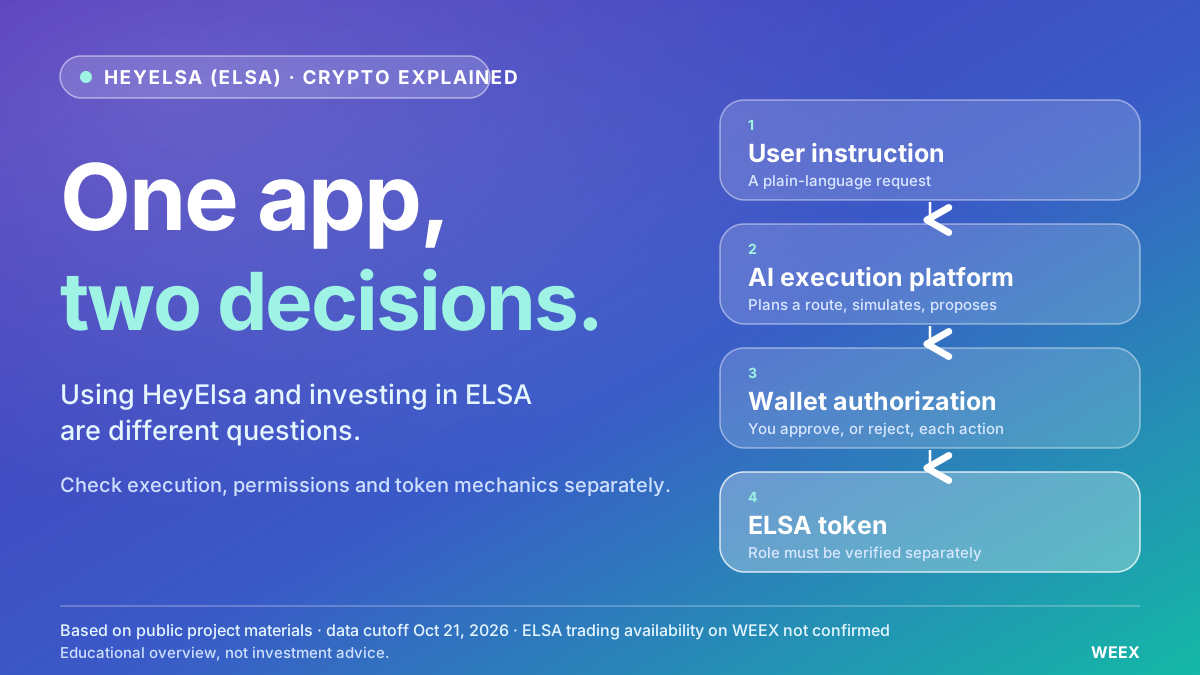
What Is HeyElsa (ELSA) Crypto and How Does It Work?
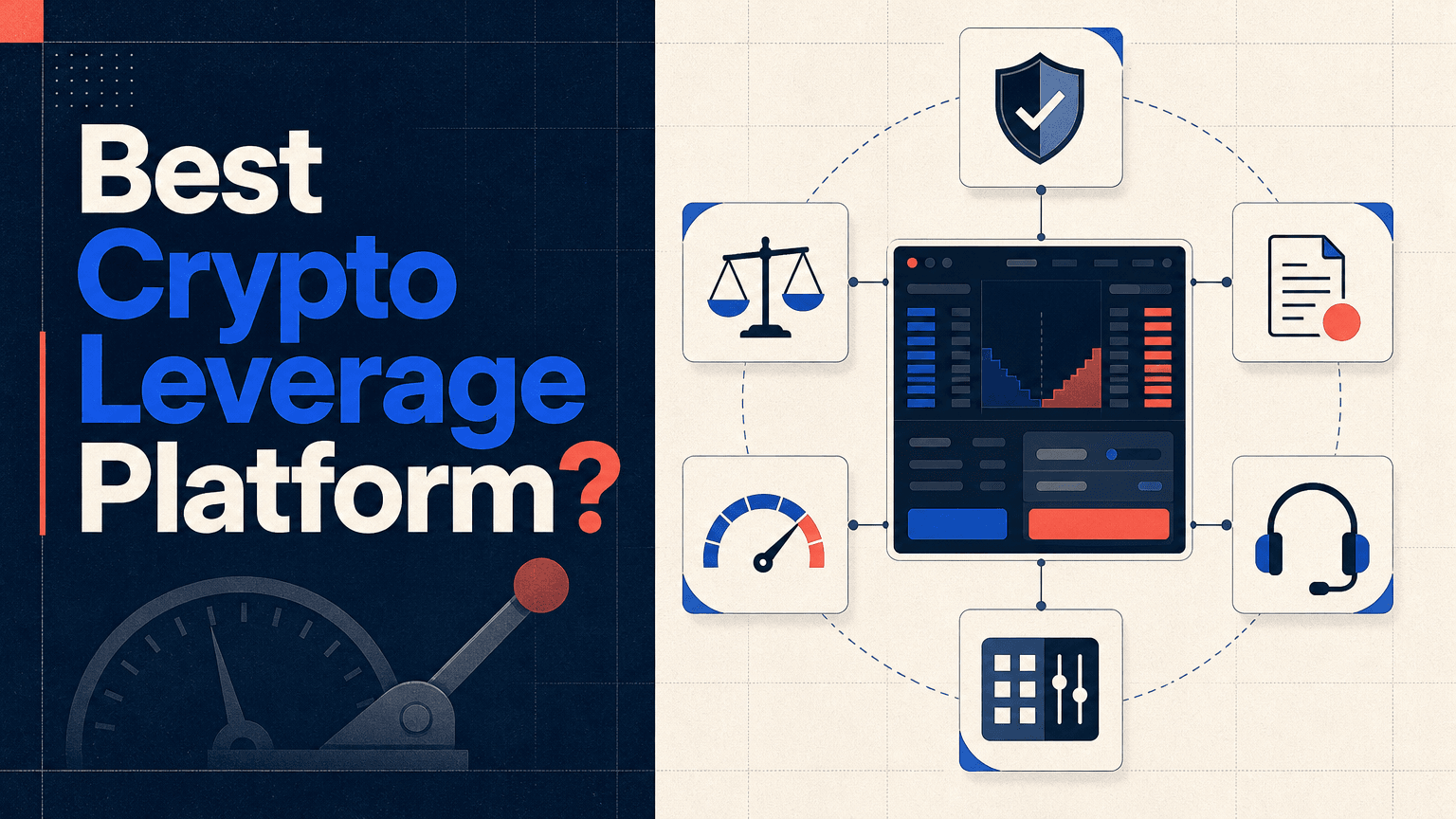
Best Crypto Leverage Trading Platform: Things to Compare Before You Choose an Exchange
Is RSI a Good Indicator? How the Relative Strength Index Works, Its Limits and How Traders Use It
Bitcoin Price After Hot CPI: Why BTC Is Pinned Near $82,000
CoreWeave Stock Plunges 15%: Why a Bond Yield Spooked CRWV
WEEX 2026 New User Guide: Register, Complete KYC, and Claim the Welcome Bonus (Step-by-Step)

WEEX Convert Guide: How to Swap Crypto on Web and App and What the Quote Really Means
Best Crypto Platform for Beginners: Pick by Goal, Not Brand
Best Cold Wallet Crypto for Beginners: 5 Picks Under $150

Best Crypto Broker for Beginners: What to Check in Fees, Regulation, Security and Support Before You Deposit
Best Crypto Wallet for Beginners 2025: Pick by What You Will Do
Crypto Funding Rate: Who Pays, What It Costs, What It Signals

How to Use an APR Boost on WEEX Auto Earn Without Wasting It
Anonymous Crypto Wallet: What Each One Hides and Where It Fails
What Is a Blockchain Node? Types, 2026 Counts, and Real Costs
Taiwan Stock Market Nears 50,000: Can the TAIEX Break the Milestone After the Holiday?
How to Buy USDT in Thailand: Payment Methods, Fees and Transfer Checks
WEEX Broker Models: Strategy Bots, Copy Trading and Sub-Exchanges
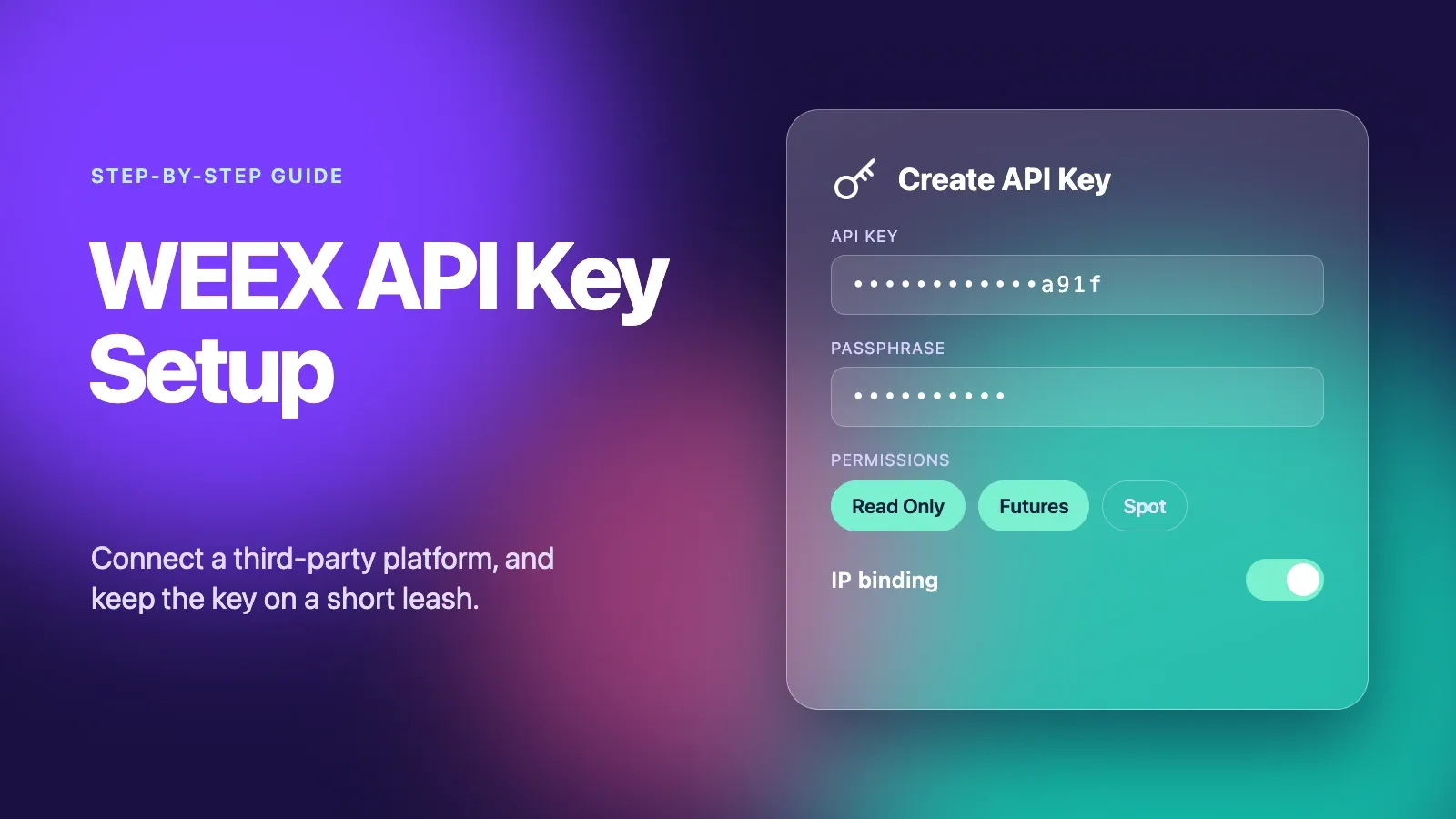
WEEX API Key Setup: How to Connect a Third-Party Platform Safely
How to Become a WEEX Broker: Application, API Setup and Go-Live
What Is WEEX Broker? API Program, Commissions and How It Works
What Is Orca (ORCA) Crypto? The Solana DEX, USDY Liquidity, and the ORCA Name Confusion
WEEX TOKEN2049 Day 1 Live Preview: Booth, MBTI and AI Demo
RSI Indicator Settings: What 7, 9, 14 and 21 Did on BTC Charts
Best Crypto Apps for Beginners: The Five Features That Actually Matter on Your Phone
Stock Market Crash Risk in 2026: The Warning Signs Worth Watching
What Is Blockchain and How Does It Work? A Transaction Traced
How to Buy Crypto with PayPal: The Custody Catch Most Beginners Miss
What Is United States Dividend Fund (USDF)? October Launch Claims and Token Identity Checks
Is Your Crypto Wallet Safe? How to Verify Security Alerts and Spot Phishing
What Is HeyElsa (ELSA) Crypto and How Does It Work?
Best Crypto Leverage Trading Platform: Things to Compare Before You Choose an Exchange
Is RSI a Good Indicator? How the Relative Strength Index Works, Its Limits and How Traders Use It
Bitcoin Price After Hot CPI: Why BTC Is Pinned Near $82,000


